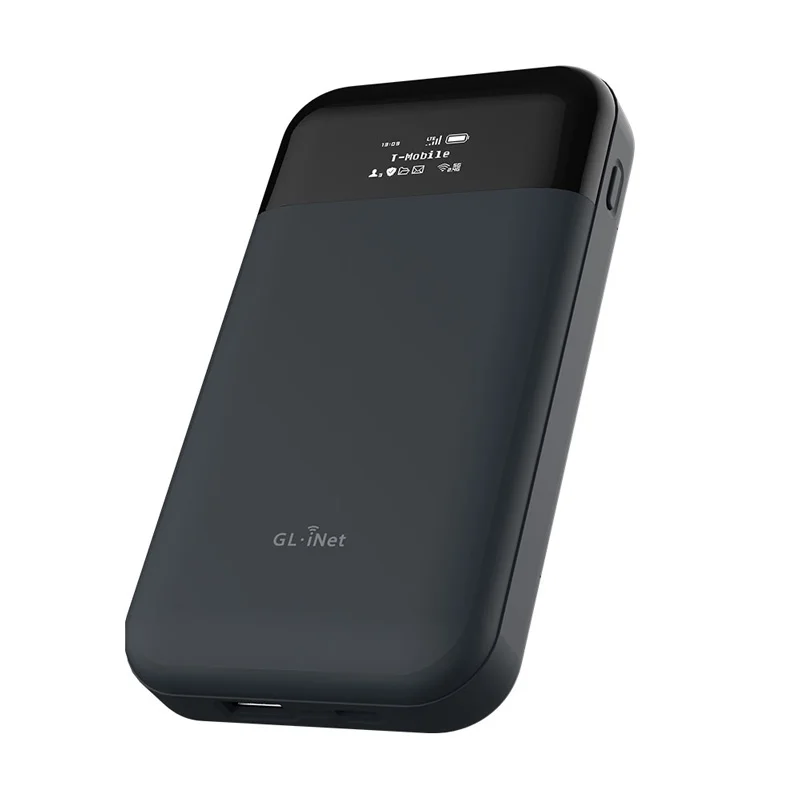
Why a Travel Router Is Our Must-Have Cruise Gear
Cruise ship WiFi is expensive. Everyone knows this.
One person, one day: $15-25 USD. Family of four, seven-day cruise: $400-700 just for WiFi.
And many packages are per device — buy one package, only one device can use it. Want to switch devices? Pay more or keep logging in and out.
Our solution: bring a travel router.
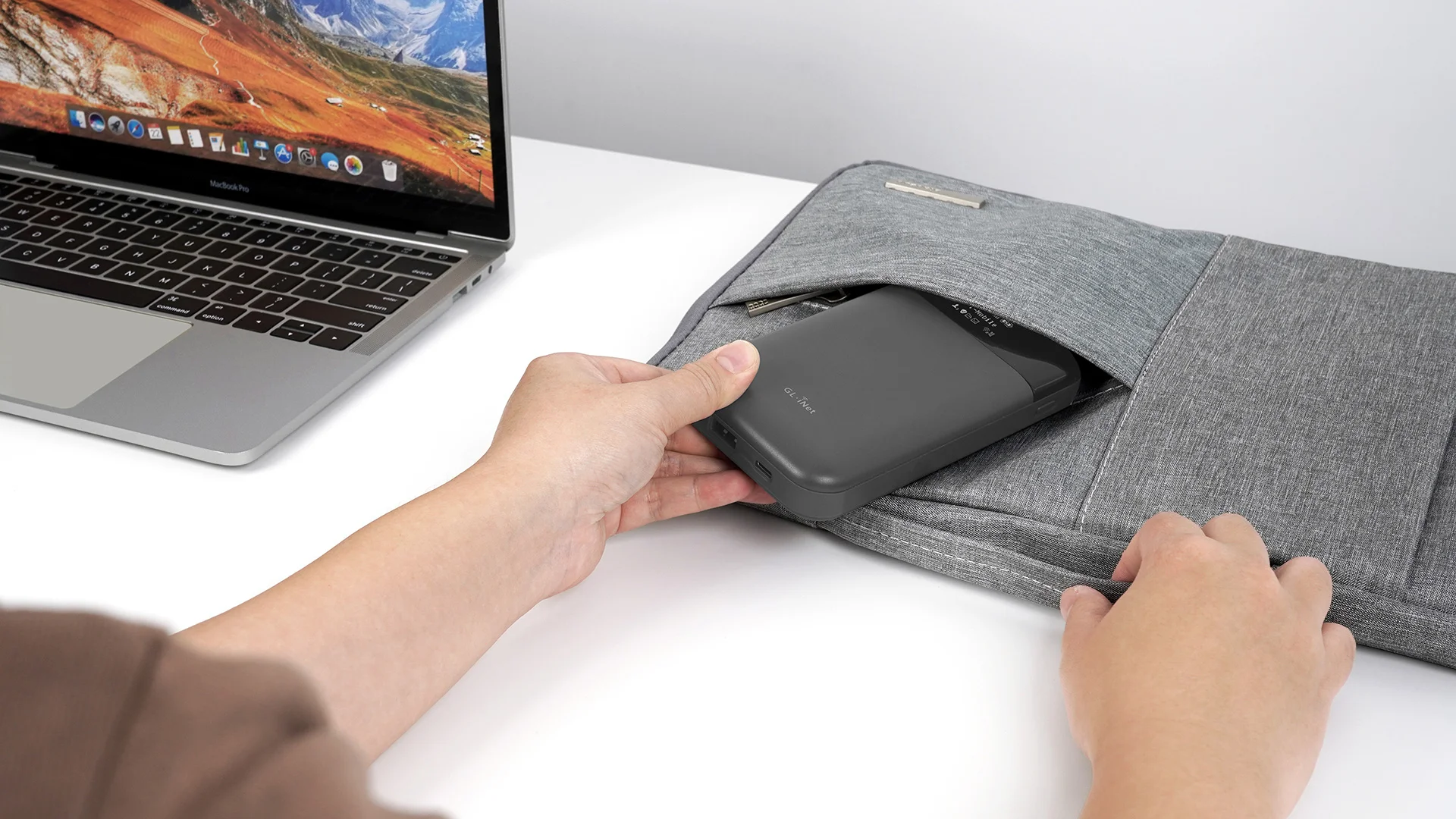
The Core Use: One Package, Whole Family
The most important feature of a travel router is turning one WiFi connection into your own hotspot.
Simple process:
- Connect the router to cruise WiFi (counts as one device)
- Router broadcasts its own WiFi signal
- All family devices connect to the router
The cruise system sees one device, but you actually have 5-10 devices online.
One package price, whole family shares.
⚠️ Risk Note: Some cruise lines may detect and block this usage. We haven’t encountered issues, but please assess the risk yourself.

We Use GL.iNet
GL.iNet specializes in travel routers. We’ve tried several, and these two are our go-to:
Mudi V2 (GL-E750)
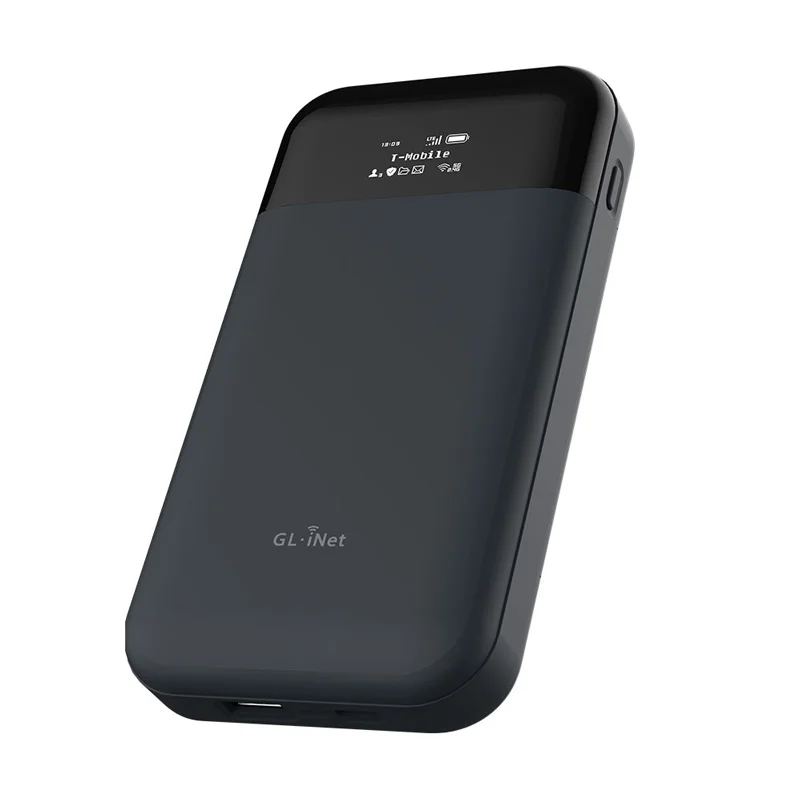
| Feature | Details |
|---|---|
| Network | 4G LTE + Dual-band WiFi |
| Battery | 7000mAh, ~8 hours |
| Display | 0.96” OLED |
| Weight | 285g |
| Price | ~$150 USD |
Best value option. 4G is sufficient, big battery, reasonable price.
Mudi 7 (GL-E5800)
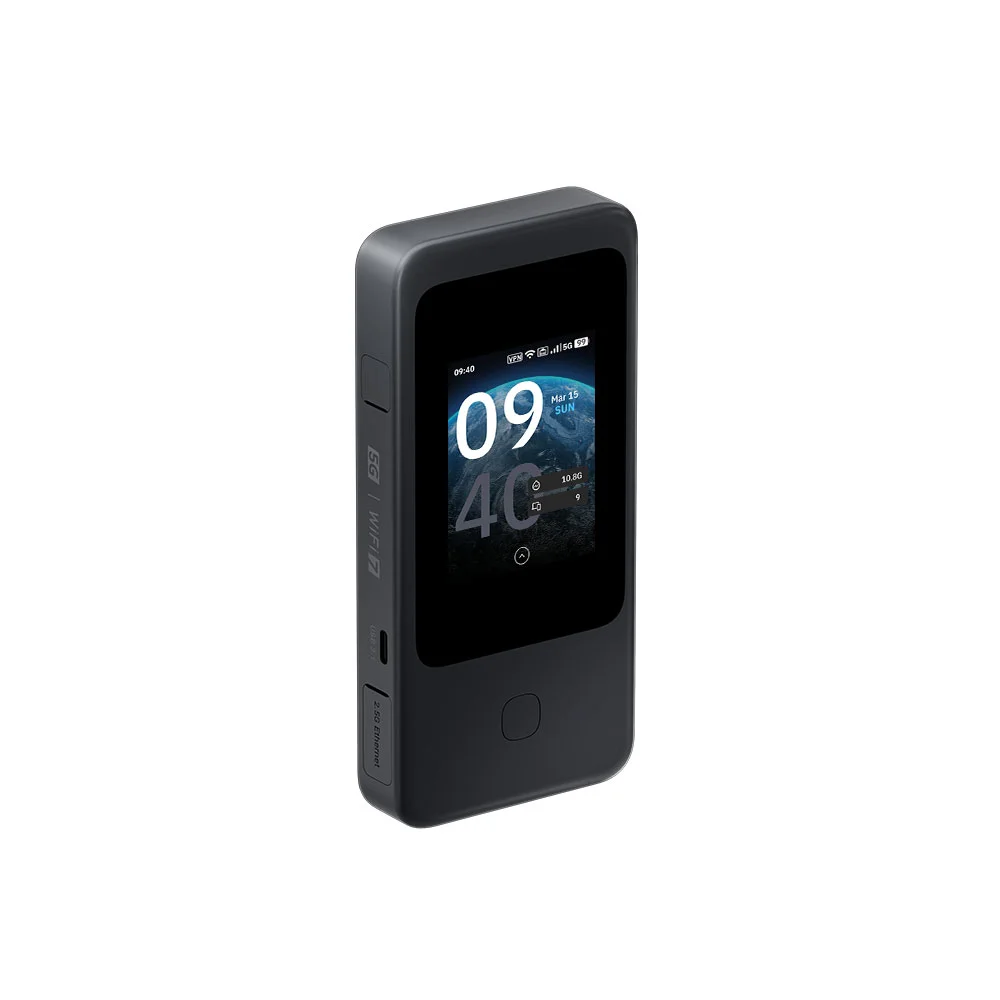
| Feature | Details |
|---|---|
| Network | 5G + Wi-Fi 7 Tri-band |
| Battery | 5380mAh, ~13.5 hours |
| Display | 2.8” Color Touchscreen |
| Weight | 300g |
| Price | ~$400 USD |
Flagship model. Faster 5G, convenient touchscreen, eSIM support.
More Than Just Saving Money
1. Automatic eSIM Switching on Shore
Both routers support SIM cards or eSIM.
At port, the router automatically switches to local cellular data. No need to set up eSIM on every device.
One eSIM, whole family shares.
2. Secure Hotel WiFi
Public WiFi (hotels, airports, cafes) isn’t very secure.
GL.iNet routers have built-in VPN support (WireGuard and OpenVPN). Route all traffic through VPN — even on public WiFi, your data is encrypted.
3. Unified Device Management
No more logging into hotel WiFi on every device, entering passwords, accepting terms.
Router connects once, all devices automatically online.
4. Signal Repeating
Sometimes hotel WiFi is weak in certain corners of the room.
Place the router where signal is strong, and it “repeats” the signal throughout the room.

How to Use on a Cruise
Before Boarding
- Fully charge the router
- If using eSIM, install it ahead of time
- Set up your WiFi name and password
After Boarding
- Buy WiFi package for one device
- Connect router to cruise WiFi
- All family devices connect to router
At Port
If you have local eSIM installed, router automatically switches to cellular data.
Walking around on shore, everyone stays connected to the same WiFi name. Seamless.
Where It’s Not Perfect
Requires Some Setup
First-time use takes a bit of learning. GL.iNet’s interface isn’t hard, but it’s not completely plug-and-play either.
One More Device to Charge
Another thing that needs daily charging. Fortunately, both models have big batteries — easily lasts a full day.
Cruise WiFi Is Still Slow
The router just “shares” the cruise WiFi; it can’t make it faster. If cruise internet is slow, shared internet is slow too.
But at least you don’t have to buy packages for every device.
Where to Buy
| Model | Official Link |
|---|---|
| Mudi V2 (GL-E750) | gl-inet.com/gl-e750 |
| Mudi 7 (GL-E5800) | gl-inet.com/gl-e5800 |
Also available on Amazon — search “GL.iNet Mudi”.
Ingrid’s Summary
A travel router solves these core problems:
- Cruise WiFi too expensive → One package for the whole family
- Every device needs setup → Router connects once, everyone’s online
- Public WiFi isn’t secure → Built-in VPN encryption
- Need to switch networks on shore → eSIM auto-switching
If you travel as a family, frequently cruise or stay in hotels, a travel router saves real money and hassle.
We bring ours every trip now.
Questions? Contact me for travel gear advice.